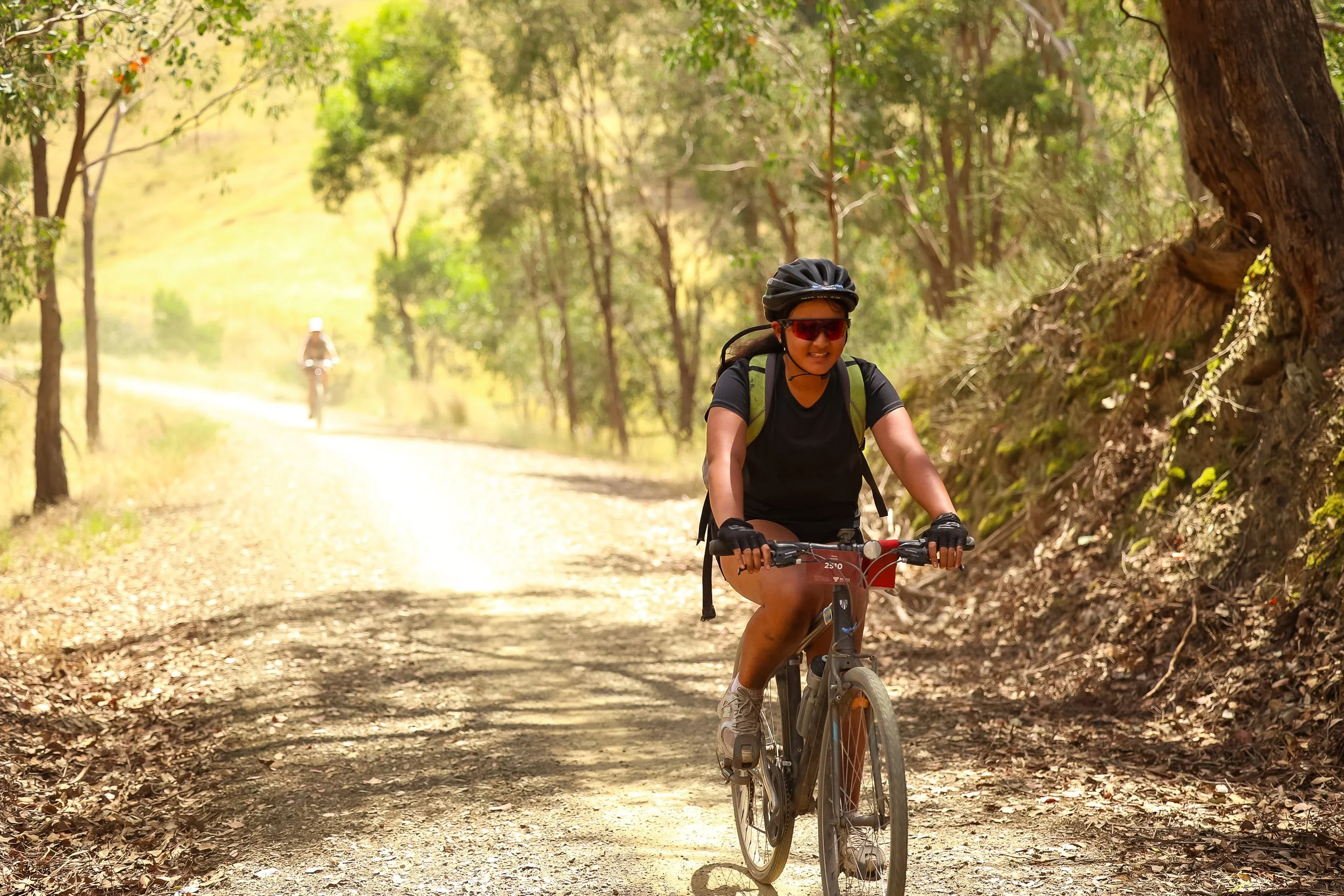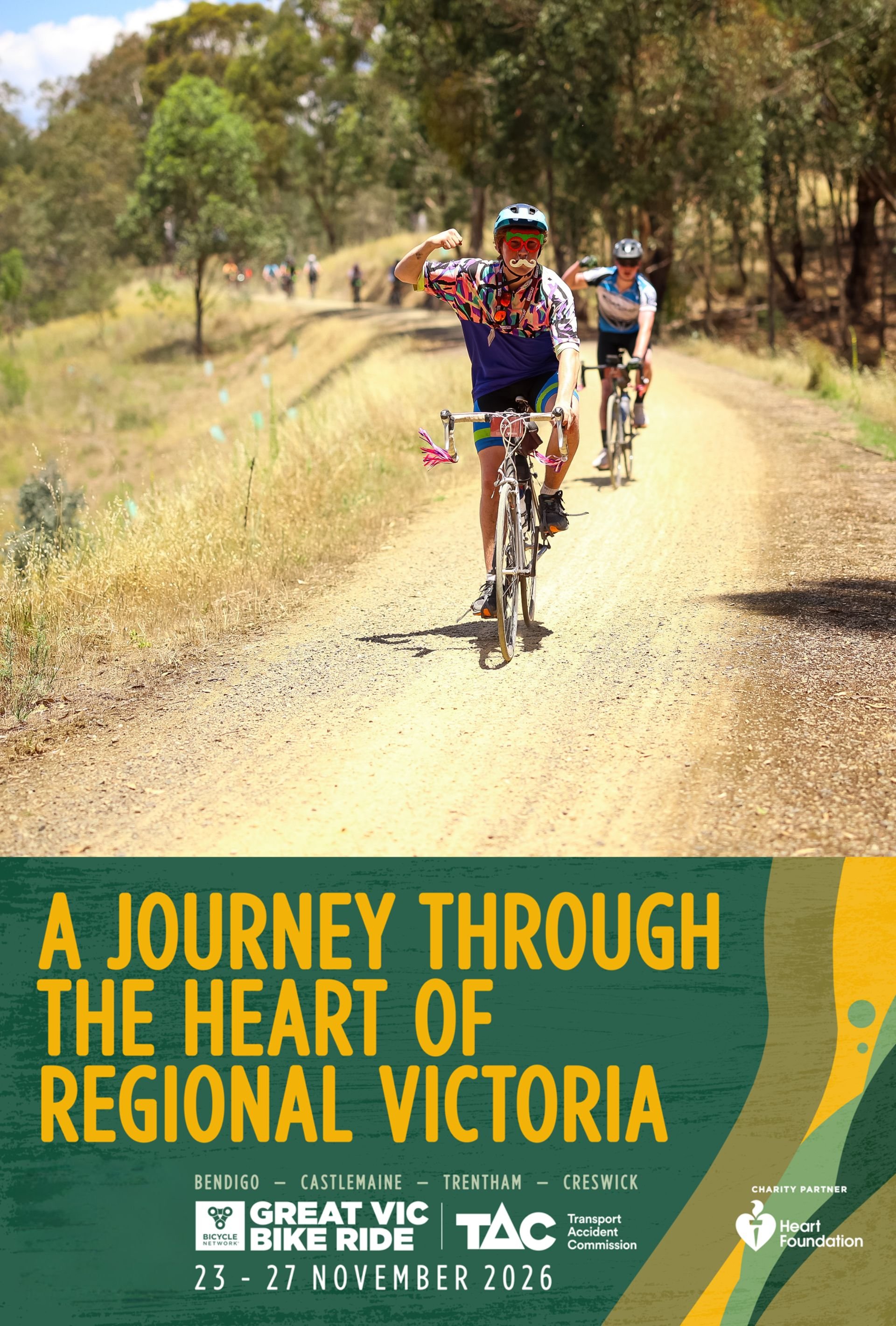

FIND YOUR PHOTOS
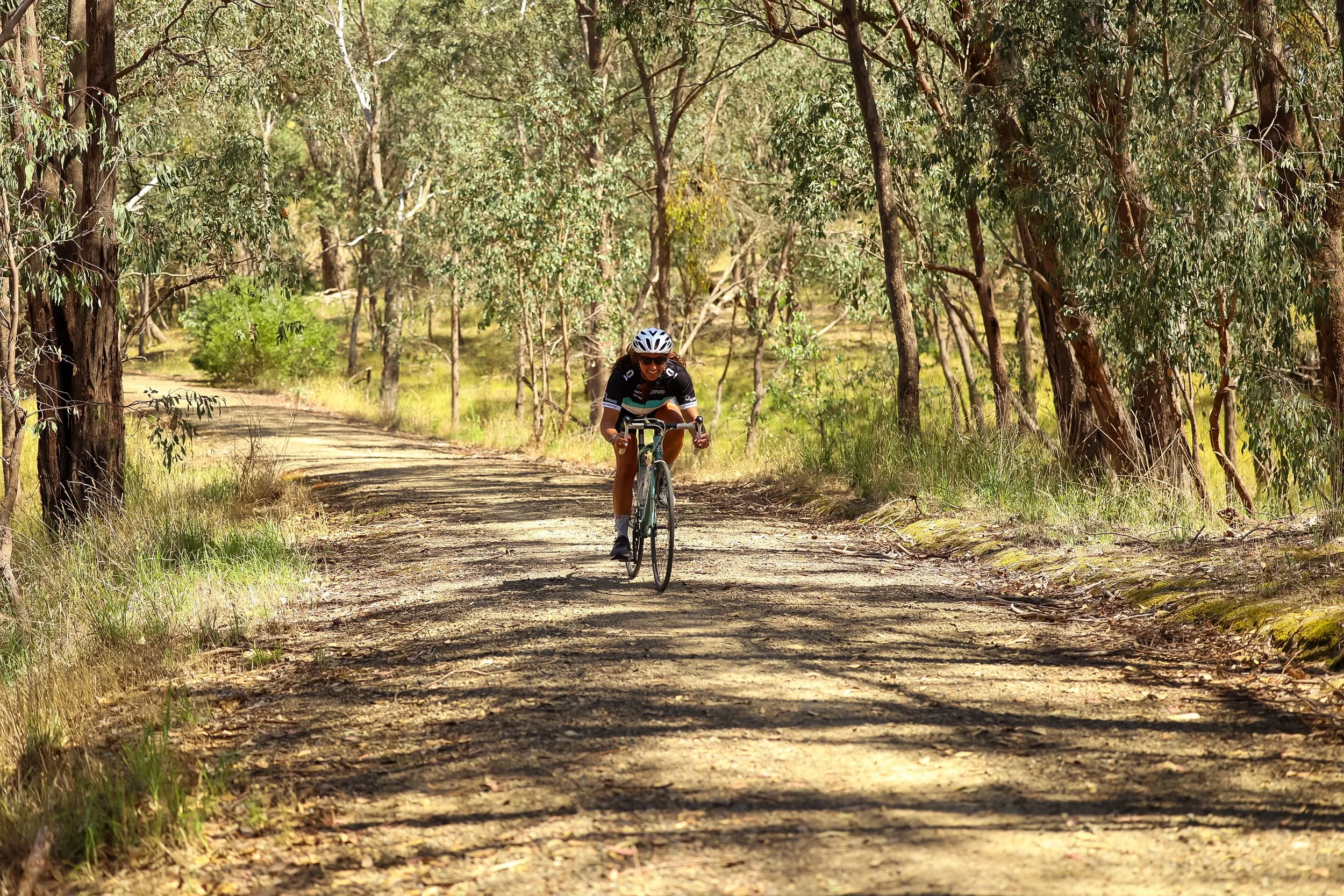
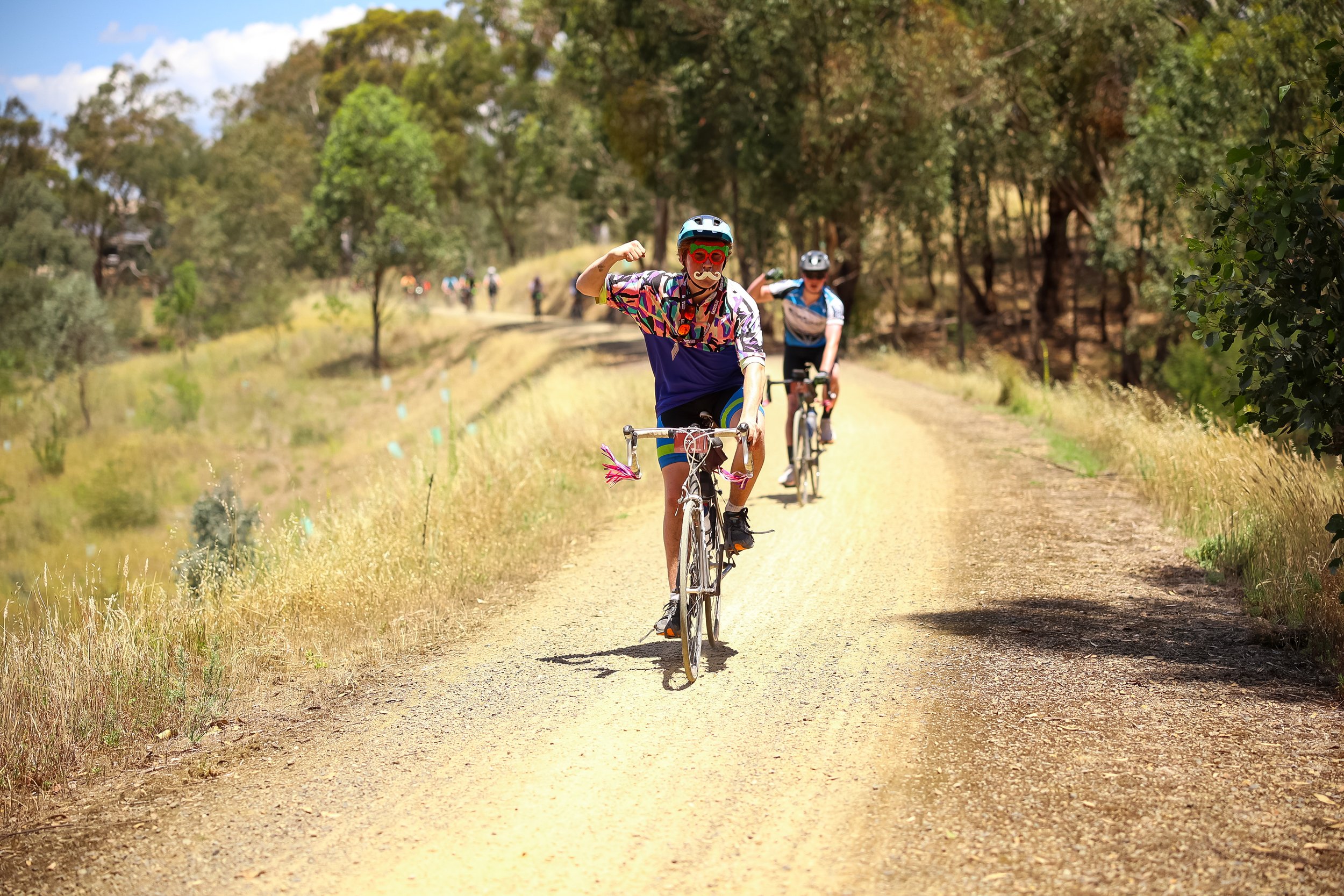
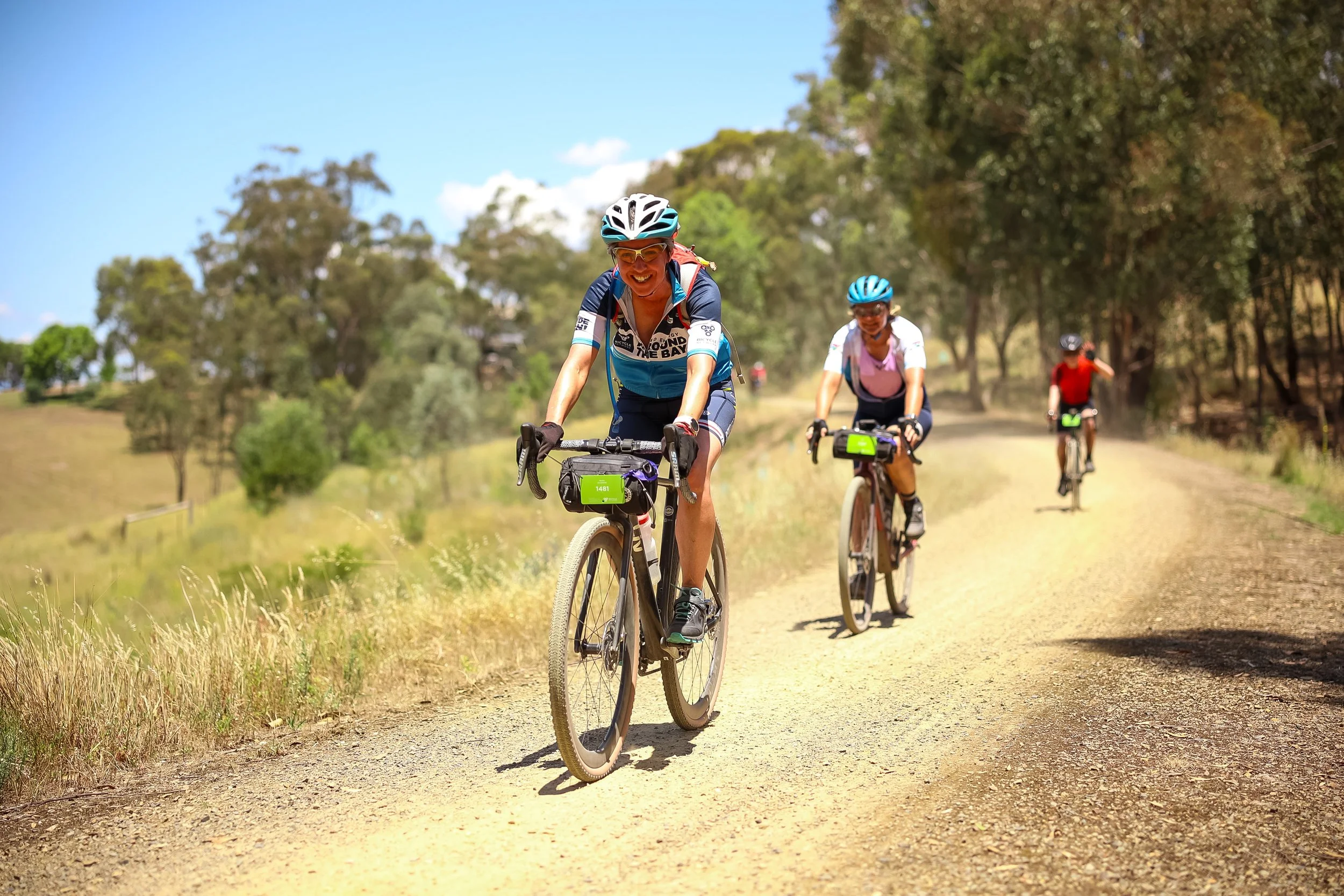
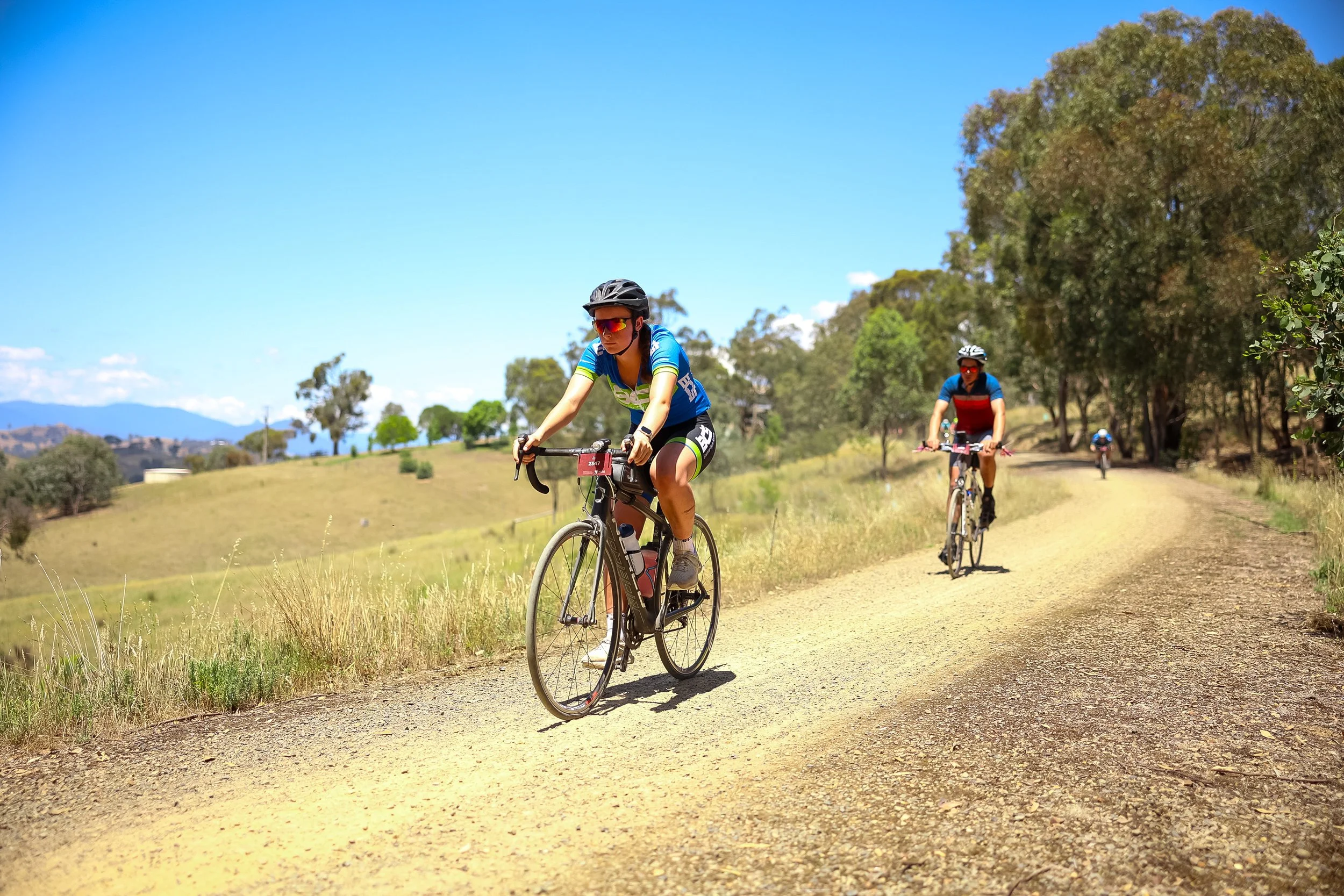
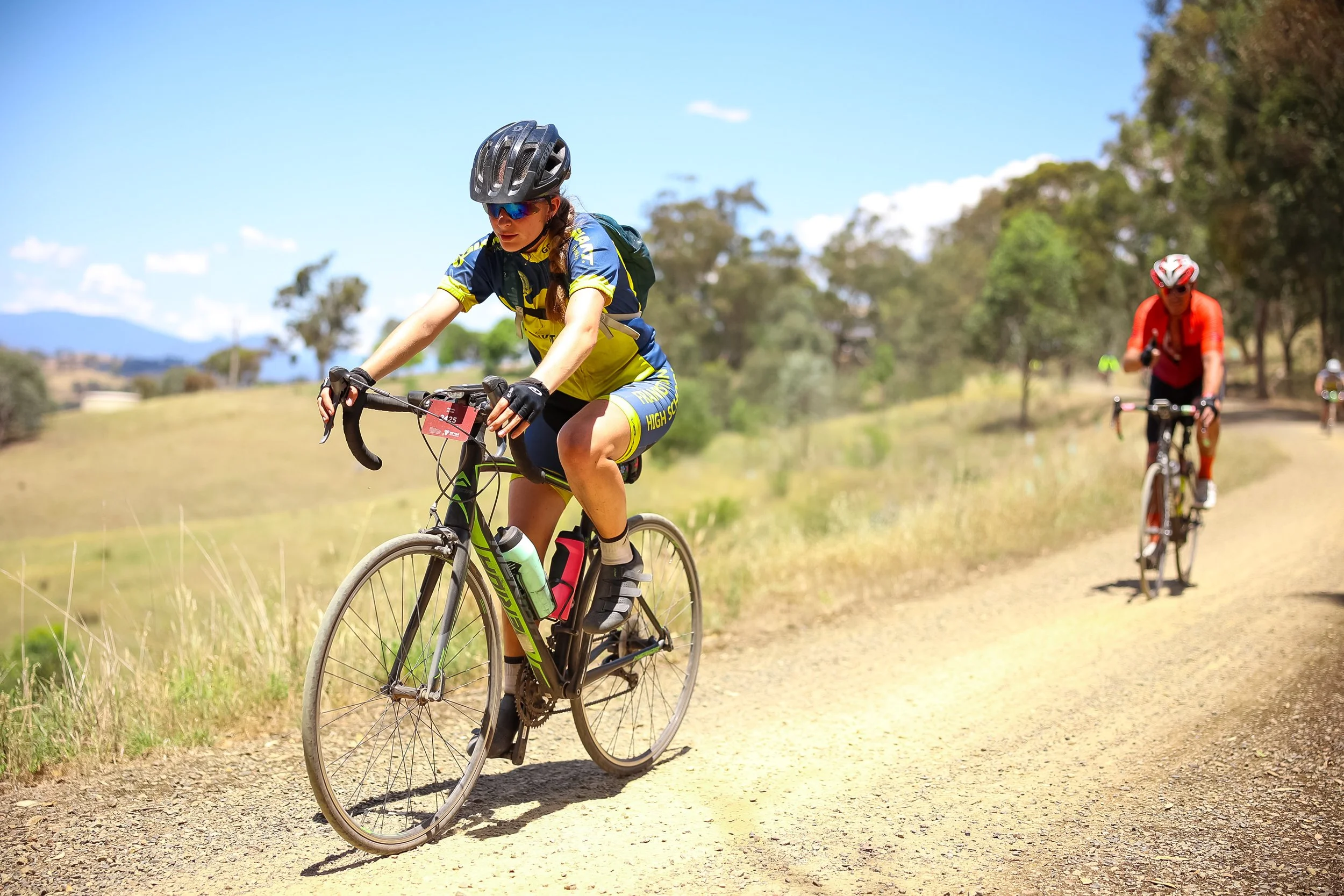
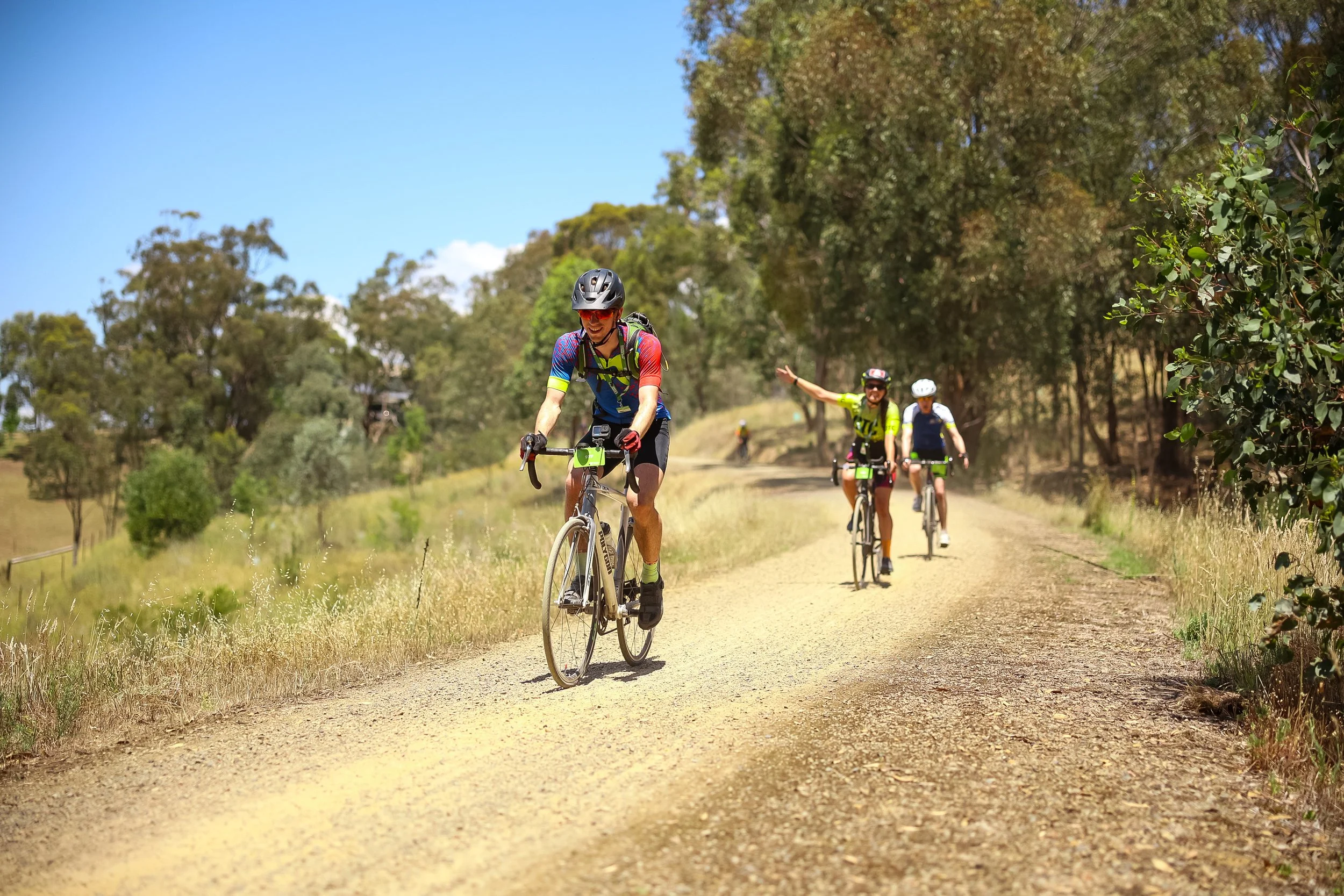
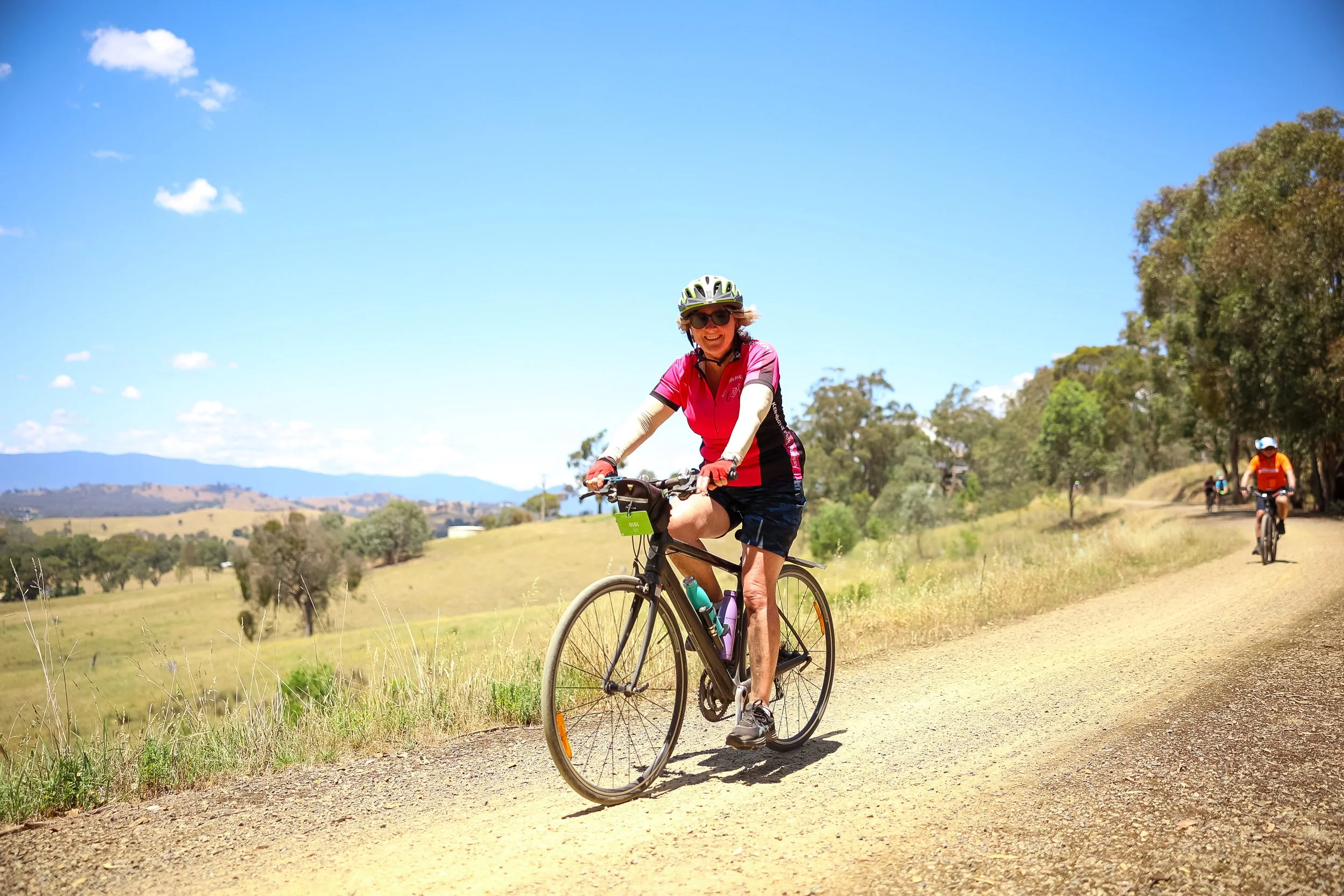
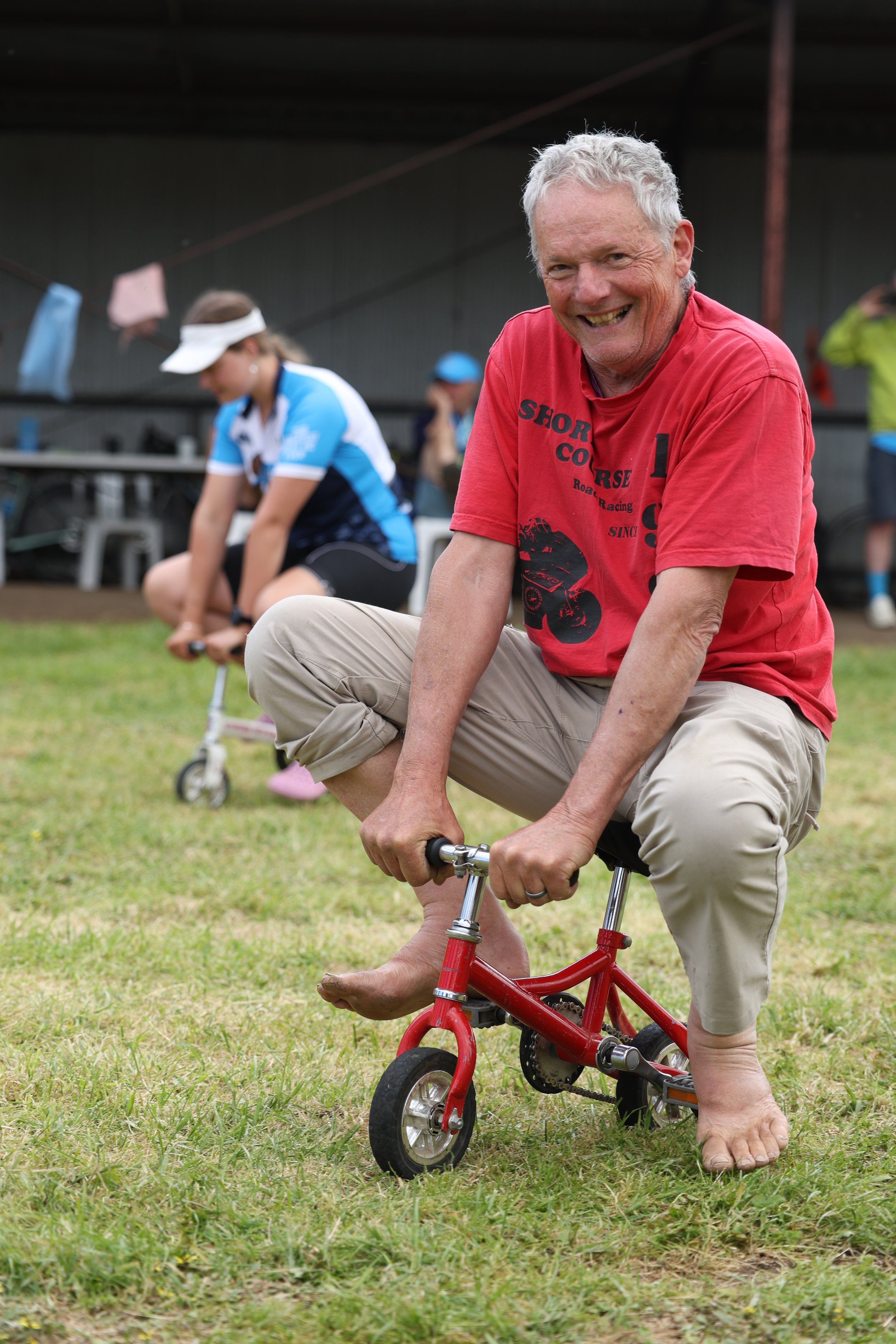
Find your photos from every day of the 2026 Great Vic Bike Ride. Save your favourites for later, or download digital copies and order your prints straight away.
SportsPix is proud to be the official photography partner for the Great Vic Bike Ride 2026.
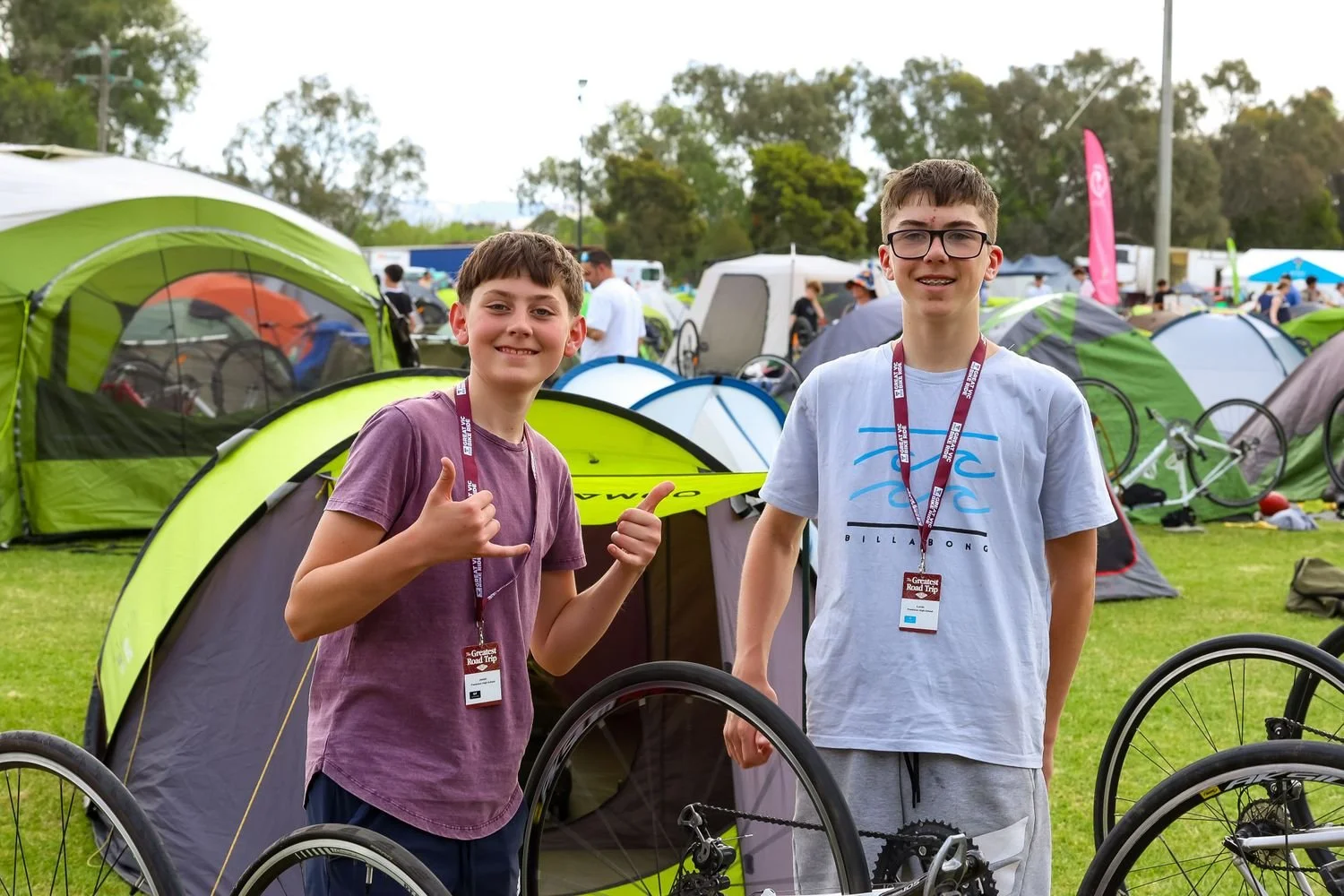
School Photography Workshops
SportsPix will run photography workshops with professional DSLR cameras for all interested students during the 2026 Great Vic Bike Ride.
FAQs
-
Once you have registered to receive updates, you will receive an email after the event to inform you when all the photos have been uploaded.
You can also check this page at any time during the event to search for new photos in real time.
-
Upload times depend on internet speed, which can cause delays. Unfortunately, we cannot control the upload speed, particularly in rural areas.
Event Photography
-
SportsPix will be running photography workshops with professional cameras for all interested schools during the 2026 Great Vic Bike Ride.
Learn about basic camera settings, shutter speed, ISO, framing and composition, and how these apply to action shots, portraiture, and sports photography.
-
Places will be limited for photography workshops, so get in early to secure your place.
If the workshop is booked out but your school group would still like to participate, then you can contact the SportsPix team directly. If there is a high demand for workshops then we will consider running additional sessions.
-
Following your group’s introduction to camera settings, students will be given time to use our professional cameras for some hands-on practice.
Document your school group (camping experience, students/peers, group photos, etc.) and following the event, SportsPix will provide a free access code for students to download images from their school group’s private gallery.
SportsPix will also host a digital showcase of the best workshop photos.
School Photography Workshop
-
School group photo sessions must be booked prior to the event.
You can contact the SportsPix team directly to learn more or to make a booking for your school group.
Please confirm your school group photo session before 16 November to avoid missing out.
School Group Photos
-
To register, follow the GeoSnapShot registration steps above.
By providing your email address, we can let you know once photos have been added to the gallery for purchase.
-
Photos uploads will begin during the event.
You can order then, select your favourites for later viewing, or wait until the end of the ride so you can select from all the photos taken of you.
-
You can order your digital downloads or prints as soon as the first galleries have been uploaded or wait until the end of the event to select from all the images taken of you.
-
You can find your photos by matching your face with a selfie, or searching using your bike number. You can also browse through the folders by day, time, or location.
Log in using the GeoSnapShot account you have created and follow the prompts to find all your favourite photos.
Ordering Photos and Prints